

What happensPan not sensed
Probable causeBase is not magnetic
Safe checkTry the magnet
Compatible, correctly placed cookware is the first thing to verify when induction will not heat.

When an induction cooktop does not recognize a pan, the cause is usually the cookware rather than the cooktop. Check that the pan is magnetic, centered on the zone, and large enough, and confirm the control lock is off. If every zone still ignores good cookware, the problem is likely the control or power supply and needs diagnosis.
A cooktop that ignores a pan is aggravating when a meal is waiting. One symptom cannot identify a failed part, so start with safe, repeatable observations that will help if you later arrange a Maytag service visit.
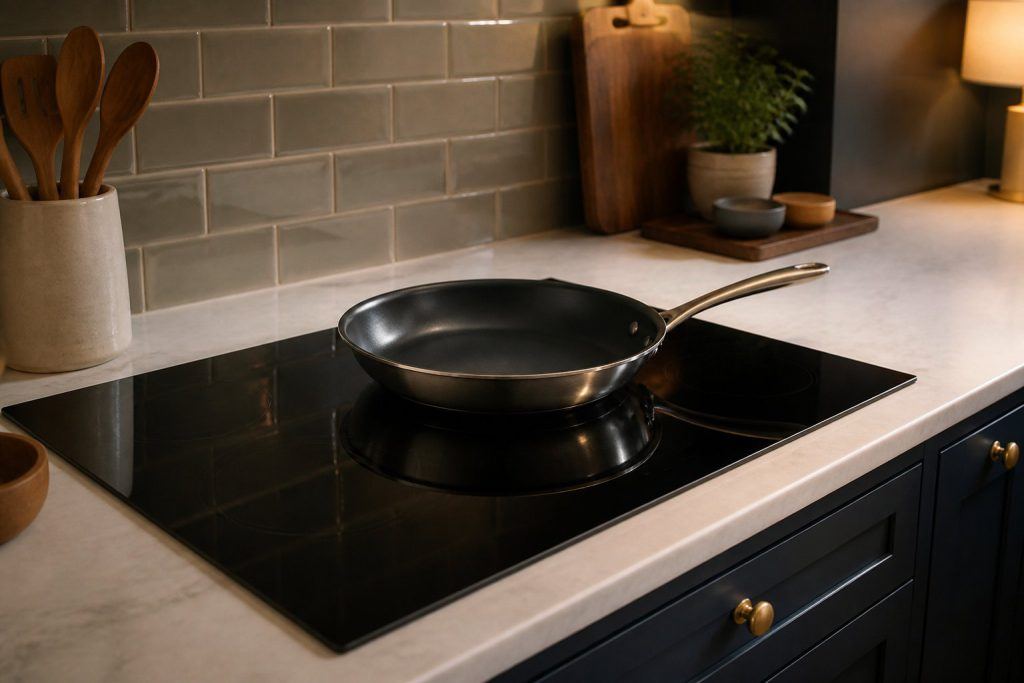
Hold a magnet to the pan base, set the pan in the middle of the matching zone, and compare its diameter with the zone guidance in your manual. Do this with the cooktop as installed and without forcing any panel or control. If a small change alters the result, run one ordinary heating attempt before drawing conclusions. Firm magnet grip on the base suggests the pan is a good fit.
Induction warms magnetic cookware directly, so a nonmagnetic pan, a warped base, a very small pan, or an active control lock can pass for a cooktop fault. Notice if it happens every time, only with a particular pan or setting, or only after the cooktop has been on a while; that pattern beats restarting repeatedly.
Induction heats the pan itself rather than a burner, so the cookware has to respond to a magnetic field. Maytag's support pages say suitable cookware is ferromagnetic, such as enameled steel, cast iron, or stainless steel made for induction. Glass, ceramic, copper, and aluminum do not work on their own.
The cooktop senses whether something suitable is on the zone, and a pan that is too small is not sensed. The stated size of a pan is often the top diameter, which can be larger than the base touching the glass. The guidance is to use a pan no more than 1/2 in smaller than the zone.
Some models show a message and shut the zone off if no pan is placed within about 30 seconds, so the manual for your model explains what your cooktop does.
The use-and-care manual describes your cooktop's controls, zone sizes, and care. Clean only what it calls user-serviceable, use the cleaning products it recommends, and keep the glass clear of anything that could sit under a pan.
Before another try, remove anything from the zone and make sure no pan, lid, or utensil is crowding the surface. Pressing buttons over and over is unwise: it can hide a fault that comes and goes and tells you little about the cooktop.
Test the pan base with a magnet, center it on the matching zone, and make sure its diameter meets the zone guidance in the manual.
Only if there is no burning smell, smoke, sparking, gas odor, water near electricity, or other safety warning. Otherwise stop and arrange service.
Book a diagnosis when the safe checks above do not resolve an induction cooktop not recognizing cookware, or when the next step would require opening the appliance or testing internal parts.
Share a few details and we’ll confirm an appointment. Prefer to talk? Call us and we’ll help right away.