

SymptomRuns but stays cold
Likely causeDoor switch or magnetron circuit
Safe checkWrite down the code; no DIY
Door switches, control faults, and high-voltage components explain many no-heat complaints.

A microwave that runs but does not heat usually comes down to a setting or a failed internal component. Check that the control lock and demo mode are off, close the door firmly, and try the simple cup-of-water test. If it still does not warm, stop and book service, because the parts involved are not safe to test at home.
When a Maytag microwave runs but won't heat, the symptom by itself doesn't point to a particular failed part. Gather observations that are safe and repeatable first; they pay off if you later book a Maytag service visit.
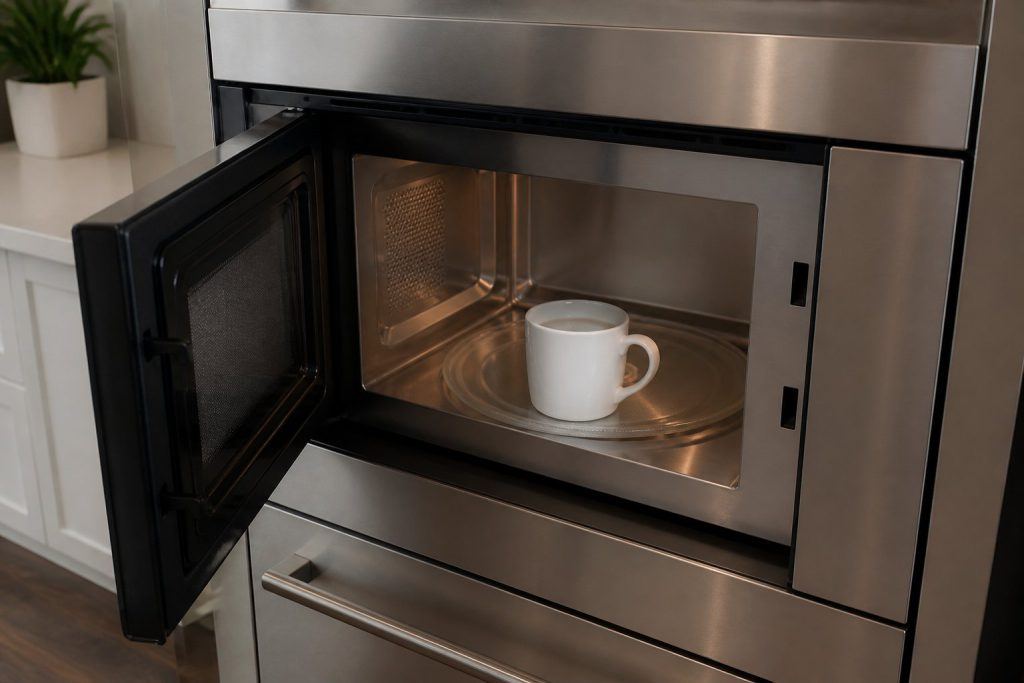
Make sure the door shuts firmly, run a quick cup-of-water test, and write down any error code before you book service. Inspect the microwave where it stands, without forcing panels, fittings, or controls. If a simple adjustment changes the outcome, do one normal run before deciding what it means. For the test, heat 1 cup of water for 1 minute on high and check whether it gets warm.
No heat while the unit still runs often traces to the door switch, the controls, or a high-voltage component, none of which is safe for home repair. Notice whether it fails every time, only at certain settings or loads, or after a stretch of running. That pattern is worth more than restarting again and again.
Several control states leave the light, fan, and turntable working while the microwave does not heat. A control lock, shown as LOC or L on some models, blocks input. Demo mode, intended for showroom use, runs the light, fan, and turntable but not the heating.
Power level matters too. If a lower level such as 10 through 90 was set, food heats more slowly than expected. On an over-the-range model, a shipping spacer left inside the door after installation can stop normal operation, and the door must close firmly for the unit to start.
Power source is another cause. Generator or inverter supply may run lights and controls but not heating, so Maytag's guidance is to use a wall outlet.
The use-and-care manual lists the controls, filter access, and care schedule for your model. Clean only what it describes as owner-serviceable, use the products it names, and seat every removable part back the way it was designed to fit.
Ahead of another attempt, remove obstructions, cut back a heavy load, and confirm nothing is blocking airflow, the water supply, or the door. Skip repeated resets, because they can hide an intermittent fault and may leave heat or pressure where it shouldn't be.
Confirm the door closes firmly, try a short test with a cup of water, and note any error code before booking service.
Only if there is no burning smell, smoke, sparking, gas odor, water near electricity, or other safety warning. Otherwise stop and arrange service.
Book a diagnosis when the safe checks above do not resolve a maytag microwave that will not heat, or when the next step would require opening the appliance or testing internal parts.
Share a few details and we’ll confirm an appointment. Prefer to talk? Call us and we’ll help right away.